CRM for
mobile apps
SDKs for every app environment help you integrate faster and run more powerful CRM messaging.
We needed a stable, efficient CRM marketing solution, and after adopting Notifly our conversion rate increased by 4.38x. Now the whole team builds CRM campaigns in Notifly.
Build campaigns that
increase conversions
Easy to use for
marketers and developers alike
From initial setup to new events and campaign updates, Notifly's SDK and campaign tools make advanced scenarios easier to implement without complex setup or debugging, so your team can stay focused on customers and campaigns.
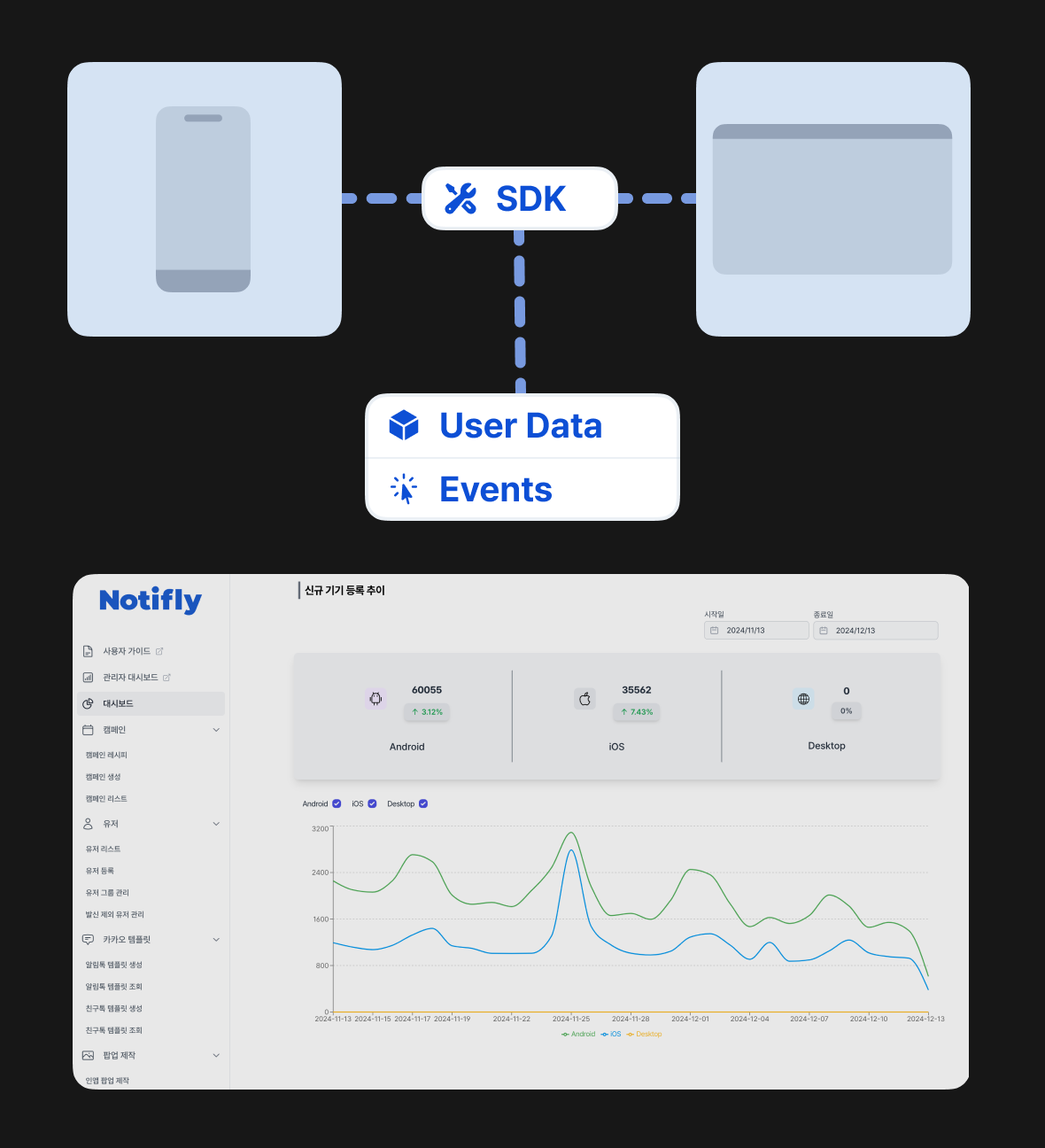
Event collection and performance analytics
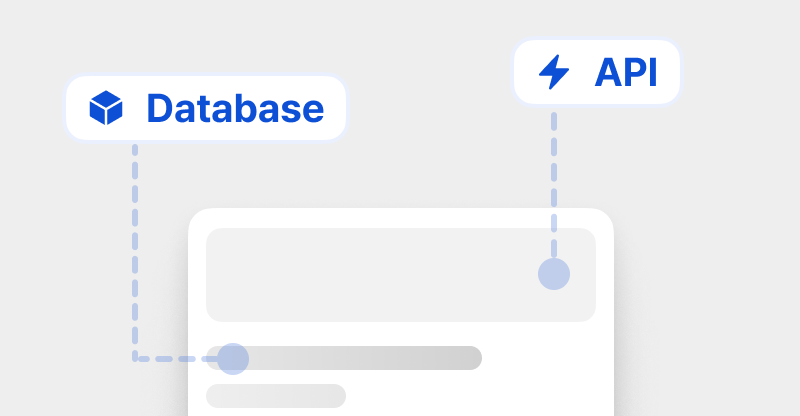
Systematically collect and use complex user behaviors and events. Track the conversions driven by your CRM messages without missing a beat.
Designed for better user experience
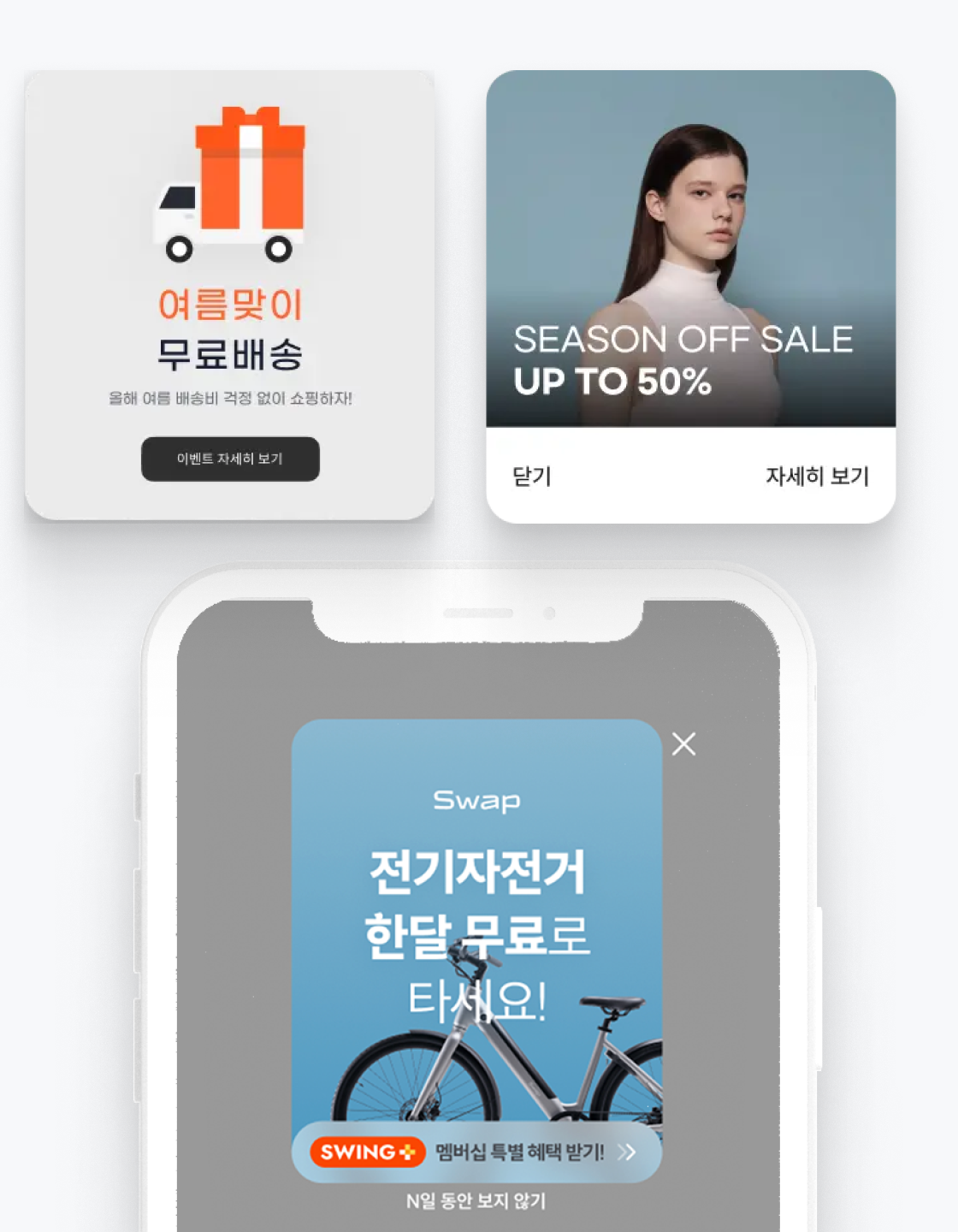
From popups and push notifications to controls like frequency capping, Notifly helps you deliver a more polished CRM experience with the user in mind.
User guide and developer guide
We provide documentation for both marketers and developers, from campaign concepts to detailed SDK setup, with content that keeps getting updated.
Real-time technical support
Notifly's product and technical teams provide real-time troubleshooting support during setup and campaign execution. (* Pro plan only)
2.4B+
Cumulative messages sent through Notifly (as of July 2026)
99.7%
Delivery Reliability
5 SDKs
iOS/Android/React Native/Flutter/JS
Within 24h
Real-time support
Getting started with Notifly
It doesn't take much to get started with powerful CRM on Notifly. From SDK installation to event taxonomy design, testing, scenario review, and pre-launch setup, the Notifly team works with you throughout the process.
Step 1
Install the SDK
Install the latest SDK for your development environment. We keep our SDKs updated regularly for performance and stability.
Step 2
Design and implement your event taxonomy
Define the events you need to measure and act on user behavior and conversions, then implement them in your app.
Step 3
Test and review campaign scenarios
Based on your new events, we help design and review scenarios that are actually feasible to implement. We also provide onboarding for the features and workflows your team needs.
Step 4
Go live with campaigns
Launch live campaigns to drive your target conversions. You can track and analyze conversion events, and even revenue.